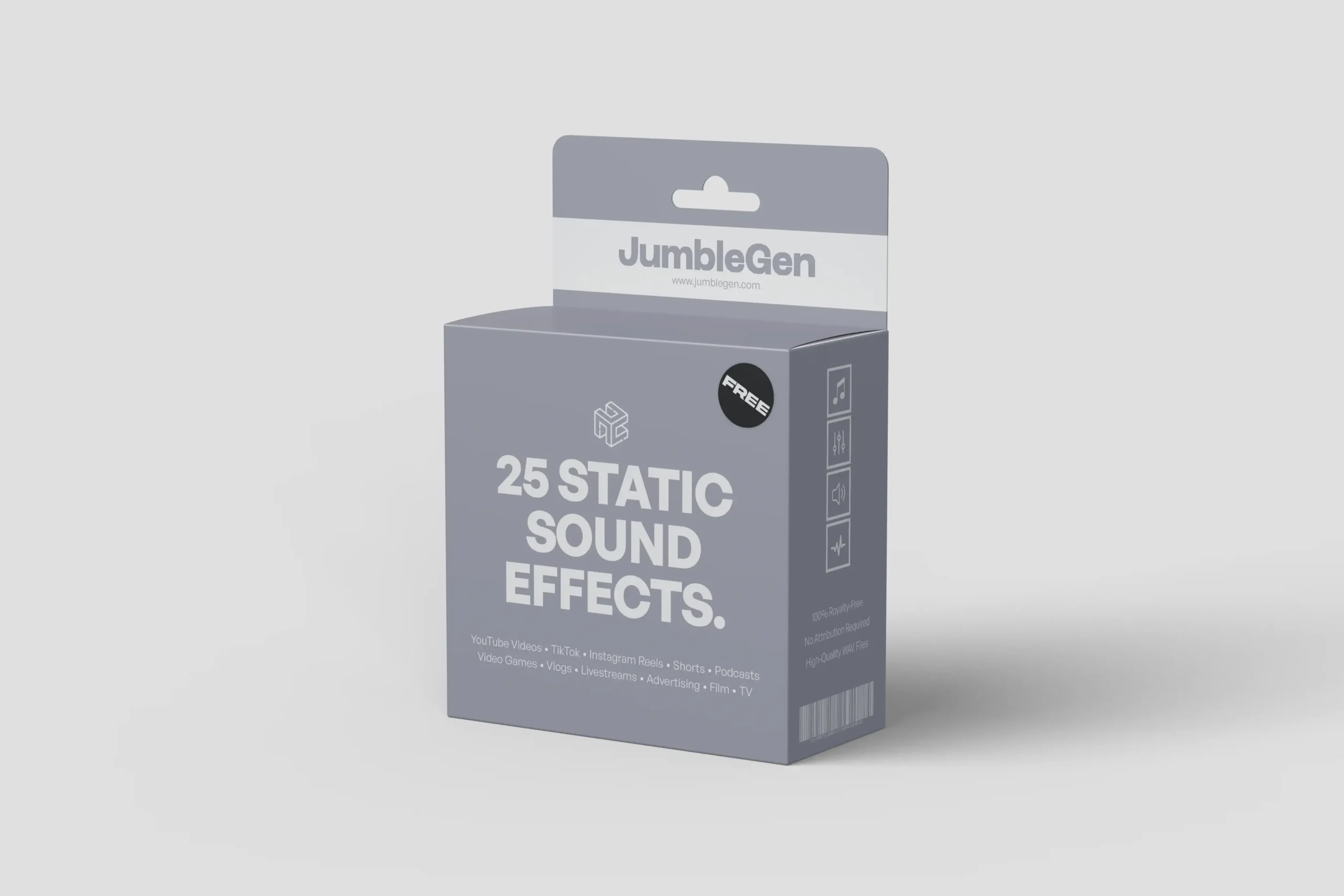
Static sound effects are commonly used to convey interference, malfunction, or transition, helping establish a technical, tense, or uneasy tone. Sounds like TV static or radio noise can suggest disruption, distance, or signal loss, quickly shaping how a scene feels. Depending on how they’re applied, static noises can come across as unsettling, nostalgic, or cinematic, making them a flexible tool in audio storytelling.
This free pack includes 25 static sound effects spanning a range of textures and intensities. You’ll find short bursts of static, continuous noise beds, and distorted radio-style interference, all designed to be practical and easy to work with. Every sound is provided in high-quality WAV format and is completely free to download and use.
What’s Inside The Pack?
Inside the pack, you’ll find a varied selection of static sound effects designed for different scenarios. The collection includes classic TV static, radio static noise, light background hiss, heavier interference, and fluctuating static bursts. Some sounds are steady and consistent, while others rise and fall, adding movement and unpredictability.
Each file has been edited for clarity and balance, making them easy to place directly into your timeline. The range of static noise helps avoid repetition, especially when static is used across multiple moments in a project. All 25 sound effects are royalty-free, so they can be used confidently in both personal and commercial work.
How To Use These Static Sound Effects
These static sound effects are ready to drop straight into your workflow. Here’s how:
1. Download The Pack
Access the sound effects by downloading the ZIP file directly from the page. The file is available immediately with no account or registration required.
2. Unzip The Files
Once downloaded, open the ZIP file and extract the contents to a folder of your choice so the sound effects are easy to locate while editing.
3. Import Into Your Software
Bring the static sound effects into your project by importing the WAV files through your editor’s media browser or by dragging them directly into your session.
4. Start Creating
Place the sounds into your timeline and refine their position, length, and balance as needed.
Whether you’re building glitchy transitions, simulating broadcast interference, or adding subtle background noise, these static sound effects provide clean, flexible audio that’s easy to shape within your edit.