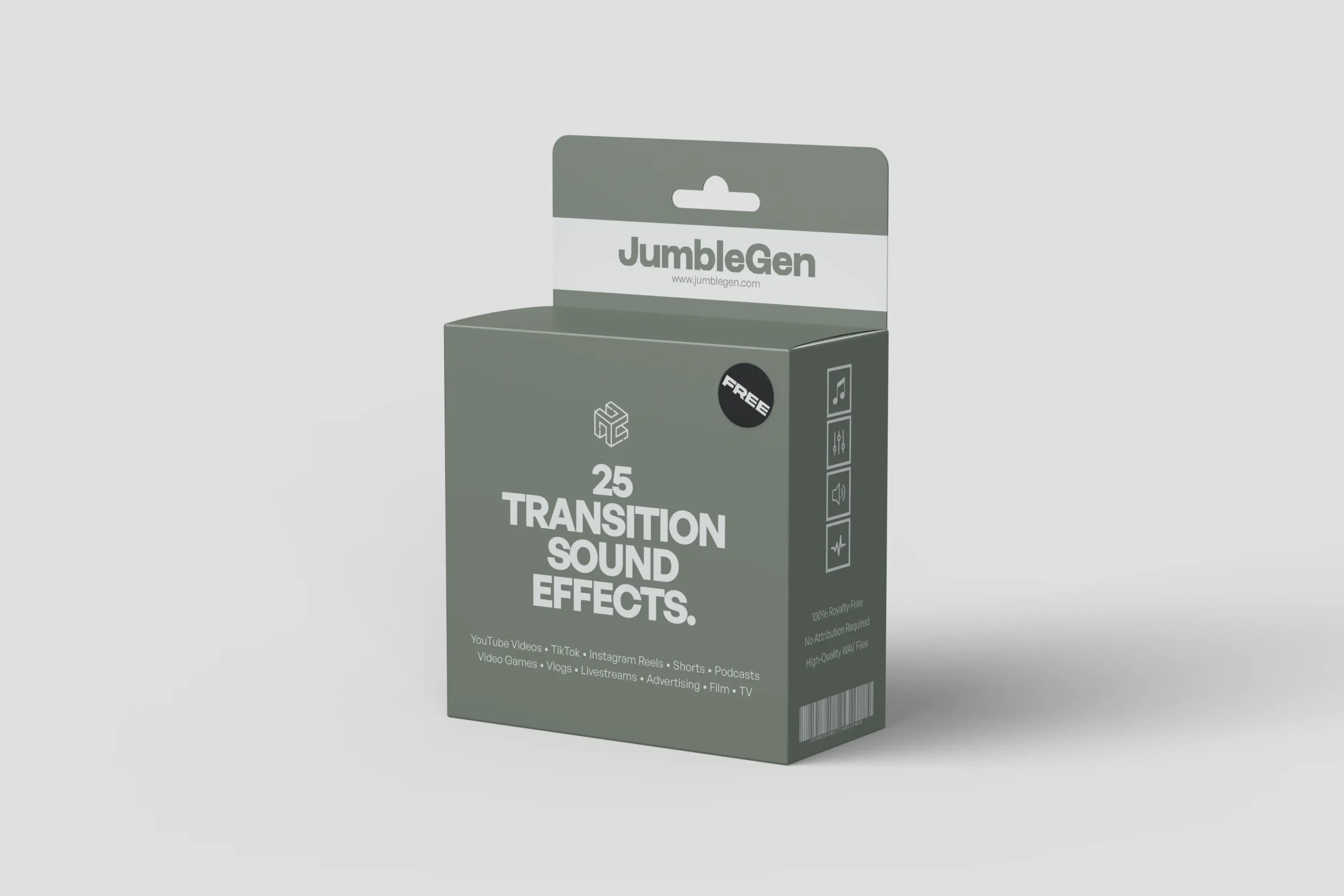
Transition sound effects are the quiet workhorses of modern content. They guide attention, smooth cuts, and make edits feel intentional instead of abrupt. Whether it’s a soft sweep between clips, a subtle fade in or fade out, or a sharper whoosh to mark a change in pace, the right transition sound can quietly carry a story forward without stealing focus.
This free pack brings together 25 high-quality, royalty-free transition sound effects in WAV format, designed to support clean visual movement across edits. From gentle sweeps and airy fades to more pronounced motion cues, these sounds are built to sit naturally between scenes, clips, or moments without feeling overproduced or distracting.
What’s Inside The Pack?
This free transition sound effects pack includes 25 high-quality, royalty-free WAV files created at 48kHz, designed to smoothly connect scenes, cuts, and visual moments.
Inside, you’ll find a carefully balanced mix of transition sounds that focus on flow rather than flash. Soft sweeps, smooth fade-ins and fade-outs, gentle rises, and controlled motion cues are all represented, giving you options that feel natural at different pacing levels. Each sound is distinct enough to serve a purpose, but restrained enough to blend seamlessly into an edit without pulling attention away from the visuals.
How To Use These Transition Sound Effects
The best transition sounds blend into the edit and improve flow without drawing attention. Here are a few simple guidelines to help you get there:
1. Edit Visually First
Complete your cut without sound effects. Focus on pacing, rhythm, and visual flow before adding audio transitions.
2. Identify the Moment of Change
Look for points where something shifts: a new scene, a topic change, a visual reset, or a beat in short-form content where attention needs a nudge.
3. Choose a Transition That Matches the Energy
Lighter sweeps work well for quick Instagram Reels or TikTok cuts, while smoother fades suit longer YouTube videos, film edits, or game menus. The sound should support the cut, not announce itself.
4. Place the Sound Around the Cut, Not On It
Let the transition lead into or carry through the edit rather than landing exactly on the frame change. This creates a more natural sense of motion.
5. Keep It Subtle
Transition sounds work best when they’re felt rather than noticed. If it sounds obvious, pull it back slightly.
These free transition sound effects make it easy to create smooth, professional edits, helping scenes flow naturally across short-form videos, long-form content, and everything in between.